You have a unit test coming up, a room full of students, and another review session to plan. A new game can bring fresh energy to familiar material. The real win is finding one that also makes preparation easier and helps you decide what to teach next.
If you're looking for games like Kahoot, start with Packslet, Blooket, and Gimkit. Each gives students a different way to practice classroom content. Packslet is our first pick for teachers who want fun video games, integrated AI tools, and actionable intelligence in one place. Blooket offers a broad mix of game formats, while Gimkit brings exploration and strategy into review.
1. Packslet: Bring AI, video games, and actionable intelligence into your review routine
Packslet connects the work you do before, during, and after a review session. Build your questions, put them into a game, and use the results to shape the next lesson. That makes it a compelling choice when you want a Kahoot alternative that supports the whole teaching workflow.
Prepare your questions with integrated AI tools
With Packslet Pro, you can generate questions with AI directly inside a question pack. Describe the material you want to cover, and Packslet uses your prompt along with the pack's subject and grade level to generate questions you can review and select.
For example, a fifth-grade teacher could ask for questions about equivalent fractions, including common mistakes students make when comparing denominators. Review the questions and answers, keep the ones that fit your lesson, and edit anything that needs adjusting.
You can also create questions yourself or find an existing question pack. AI gives you another starting point without requiring a separate writing tool and a copy-and-paste routine.
Give students fun video games to play
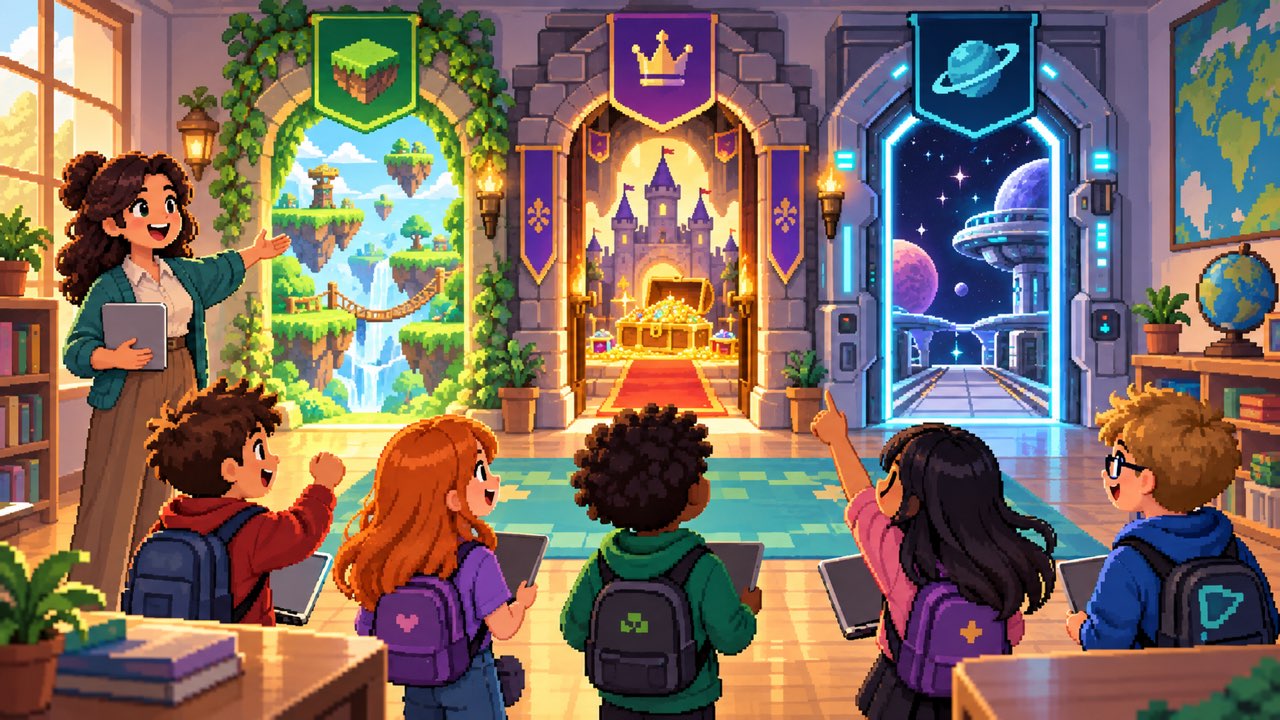
Packslet pairs classroom questions with colorful pixel-art video games. Students can reel in fish in Reel Rush, leap through forests and caves in Fox Dash, or pilot a starship in Nova Strike. These give you distinct game experiences to choose from as you plan review.
You can host a live game for the class or assign homework for independent practice. Choose a game that fits the time you have, explain the controls, and give students a clear learning goal before they start.
Turn the results into actionable intelligence
The most useful question after a review game is, “What does my class need next?” Packslet's reports help you answer it with question-level results, individual student progress, accuracy, and mastery groups that make areas needing attention easier to find.
Packslet Pro adds an AI summary and a Biggest opportunity for review. From that opportunity, you can generate a printable review worksheet with fresh practice questions targeted to the highlighted learning gap.
That's actionable intelligence you can bring into tomorrow's lesson. If the results suggest students are struggling with equivalent fractions, you can inspect the relevant answers, plan a short explanation, and prepare focused follow-up practice. Review the AI interpretation and generated worksheet before using them with students.
Choose Packslet if: You want engaging review games and a connected path from question creation to targeted follow-up. AI question generation, AI report insights, and AI review worksheets require Packslet Pro.
2. Blooket: Give familiar questions a different game format
Blooket lets teachers create or find question sets and use them across a variety of game modes. Its selection includes live classroom games, solo play, and homework options, with availability depending on the mode.
For example, in Café, students answer questions to restock supplies as they serve customers and purchase upgrades. In Tower Defense, questions accompany building defenses against waves of enemies. Blooket's official game mode guide explains the mechanics and which modes support each type of session.
For a vocabulary review, try a small set of terms in one mode, then reuse the material in a different format later in the week. Leave a few minutes afterward for students to explain the terms they found difficult.
Choose Blooket if: Your priority is changing up the game format while reusing familiar review questions.
3. Gimkit: Add exploration and strategy to review
Gimkit is another option for classes that enjoy a game world to explore. Its 2D game modes let students move through worlds as characters called Gims. Teachers select a question kit, then choose the mode they want to play.
Those modes offer room for exploration and, depending on the game, more strategic decisions. That makes Gimkit worth trying when you have time for students to learn the mechanics alongside practicing the lesson content.
For a science review, start with concepts students already recognize so the first session gives them room to learn the game. In a later session, introduce questions that ask them to apply those concepts, and finish with a short discussion about their reasoning.
Choose Gimkit if: Your students enjoy exploring game environments and you want to build a review activity around that interest.
Try one focused review session with Packslet
Start with a single learning goal and a manageable question pack. Play a round, inspect the results, and choose one concept to revisit. With Packslet Pro, the integrated AI tools can help you prepare the questions and turn the report's biggest opportunity into fresh practice.
For teachers who want students excited to play and a clearer next step when the game ends, Packslet is a strong place to start. Create your Packslet account and build your next classroom review around it.